Why Your Airbnb 1099-K is Higher Than Your Bank Deposits (Solved)
It is January. You open your mailbox (or email) and find your Form 1099-K from Airbnb.
You look at Box 1a (Gross amount of payment card/third party network transactions). It says you made $100,000.
"That's impossible," you think. You check your bank account deposits for the year. They only total $97,000.
Where did the extra $3,000 go? Did Airbnb make a mistake? Do you have to pay taxes on money you never received?
The "Phantom" Income Explained
Airbnb did not make a mistake. The discrepancy exists because Form 1099-K reports Gross Income, while your bank account receives Net Income.
The difference is almost always:
- Airbnb Service Fees: The ~3% host fee.
- Cleaning Fees: If they are passed through.
- Refunds: Money you technically "earned" but then returned.
The IRS Red Flag
Here is the trap many hosts fall into:
The Wrong Way: You see $97,000 in your bank account, so you report $97,000 as income on your tax return.
- Result: The IRS computer compares your return ($97k) to the 1099-K Airbnb sent them ($100k). It sees a $3,000 "under-reporting" discrepancy. This is an automatic audit trigger.
The Right Way: You must report the full $100,000 as Gross Income on Schedule E. Then, you list the $3,000 difference as an Expense (Commissions/Fees).
- Result: Your Net Income is still $97,000 (so you pay the same tax), but your Gross Income matches the IRS records. You are safe.
How to Fix It Fast
To do this correctly, you need to find exactly how much Airbnb deducted in fees for every single payout.
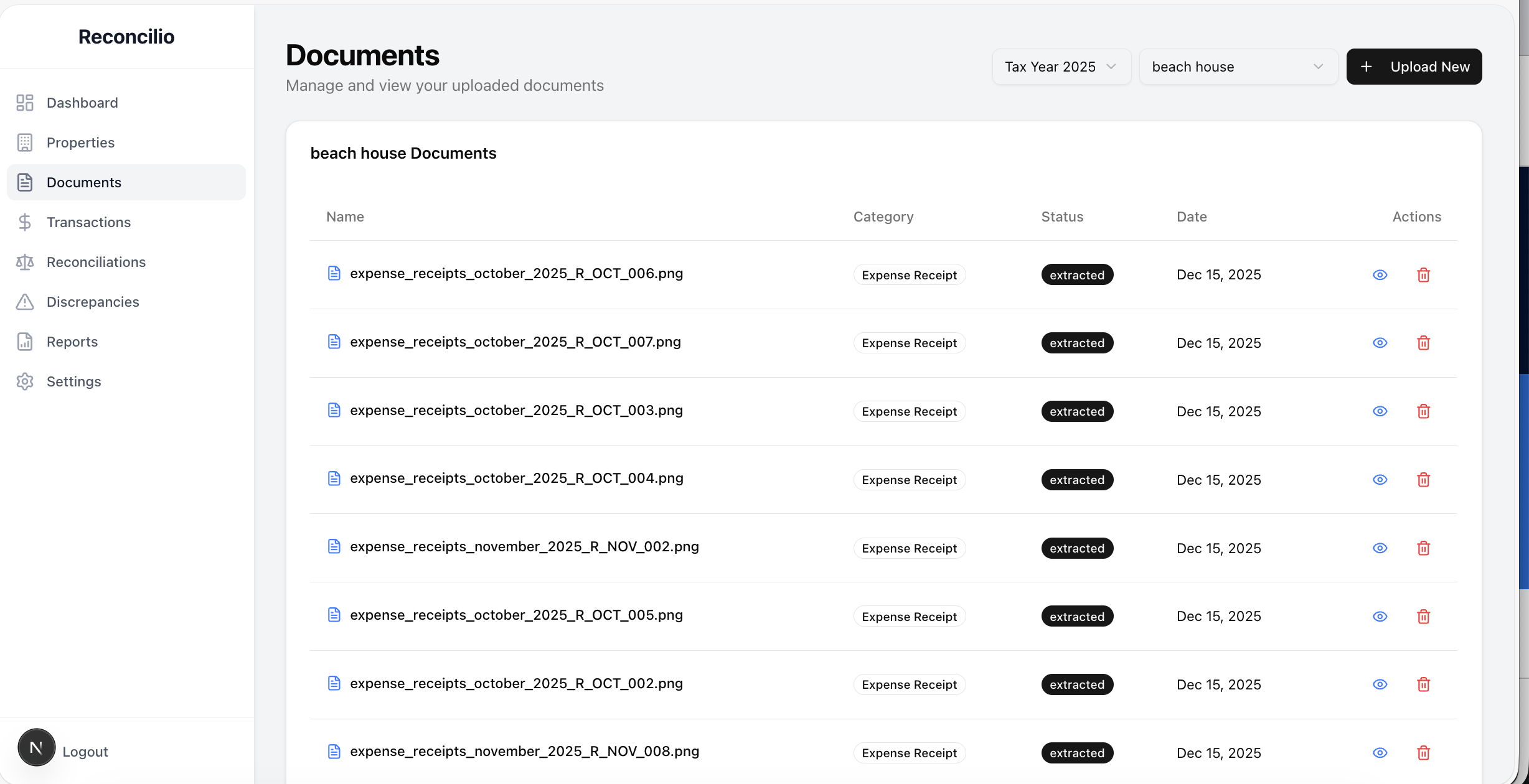 Reconcilio automatically calculates gross income, fees, and net deposits for Schedule E reporting
You could download the massive CSV from Airbnb and try to sum up the "Host Fee" column. Or, you can use Reconcilio.
Reconcilio automatically:
- Reads your Airbnb payouts.
- Identifies the Gross amount (matching your 1099-K).
- Identifies the Fees deducted.
- Matches the Net amount to your bank deposit.
We give you the exact numbers you need to fill out Schedule E correctly, so you can sleep at night.
📥 Free Download: 1099-K Reconciliation Worksheet - Step-by-step template to reconcile your Airbnb 1099-K with bank deposits.
For Canadian hosts, check out our guide on Canadian GST/HST and T776 reporting.
Related Articles
- The Ultimate STR Reconciliation Guide
- Canadian Airbnb Tax Guide: GST/HST and CCA Traps
- 5 Common Reconciliation Mistakes & How to Fix Them
Ready to Automate Your Reconciliation?
Stop drowning in spreadsheets and start making data-driven decisions. Join thousands of hosts who trust Reconcilio to keep their books audit-ready.